
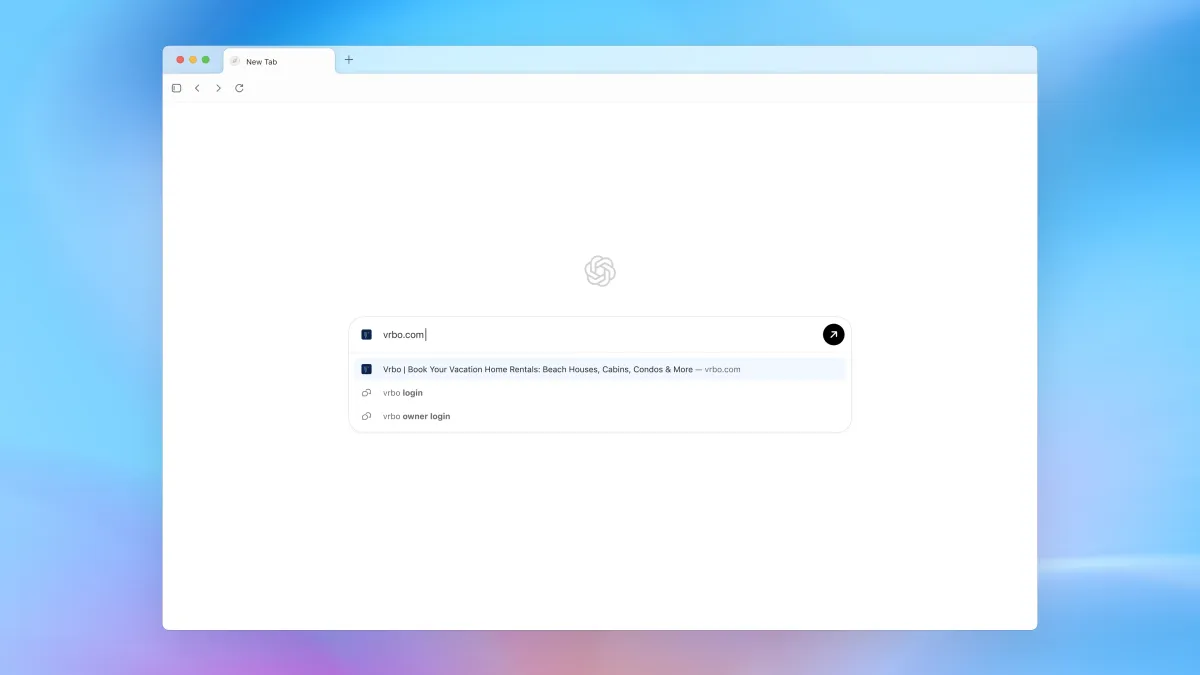
On October 21, 2025, OpenAI launched ChatGPT Atlas, a next-generation AI browser that integrates ChatGPT directly into web browsing. Available now on macOS and coming soon to Windows, iOS, and Android, Atlas represents OpenAI’s boldest move yet to evolve from a chatbot company into a comprehensive computing platform. The announcement sent Alphabet shares down 2% as investors recognized the direct threat to Google Chrome’s market dominance—and Atlas does so while being completely free for all users, with premium Agent Mode reserved for Plus and Pro subscribers.
The AI Browser Wars Heat Up
OpenAI Joins the Battle
Atlas enters an increasingly crowded AI browser market where competitors have already staked their ground:
- Perplexity Comet (October 2025): Free AI browser with sidecar assistant
- Opera Neon (September 2025): $19.99/month agentic browser with autonomous task execution
- The Browser Company’s Dia: AI-enhanced browsing
- Google Chrome and Microsoft Edge: Integrated AI features into existing browsers
What sets Atlas apart is OpenAI’s ChatGPT foundation—the world’s most popular AI chatbot, now reimagined as a browser’s core operating system rather than just a feature bolted on.
Three Pillars of ChatGPT Atlas
1. Ask ChatGPT: The Persistent Sidebar
The Core Experience: Atlas features a permanent “Ask ChatGPT” sidebar that accompanies every webpage you visit, transforming browsing from a solitary activity into a collaborative one with AI.
What It Does:
- Summarize content from articles, papers, documentation
- Answer questions about the current page or topic
- Extract key information from complex web pages
- Translate languages in real-time
- Explain concepts with context from what you’re viewing
- Generate content based on webpage context
Example Workflows:
-
Research Mode:
- Reading a technical paper? Ask ChatGPT: “Summarize the methodology in bullet points”
- Viewing competitor websites? “Compare their pricing to what we discussed earlier”
-
Shopping Assistant:
- On a product page? “What are the key pros and cons from reviews?”
- “Find similar products at lower prices”
-
Learning Mode:
- Studying documentation? “Explain this concept like I’m a beginner”
- “Create practice examples based on this tutorial”
The Difference: Unlike traditional browser extensions that require manual activation, ChatGPT in Atlas is contextually aware by default—it knows what you’re viewing and can proactively assist without explicit instructions.
2. Agent Mode: AI That Takes Action
Exclusive Feature for Plus and Pro Users Agent Mode elevates Atlas from an information assistant to an autonomous task executor that handles multi-step workflows on your behalf.
What Agent Mode Can Do:
- ✅ Book reservations at restaurants and hotels
- ✅ Purchase flights and travel arrangements
- ✅ Complete shopping from search to checkout
- ✅ Edit documents across web-based tools
- ✅ Fill out forms with appropriate information
- ✅ Navigate complex websites autonomously
- ✅ Execute multi-step research tasks
How It Works: Give ChatGPT a goal (e.g., “Book a dinner reservation for two this Saturday evening at a Italian restaurant near downtown Seattle”), and Agent Mode will:
- Search for suitable restaurants
- Check availability on booking platforms
- Compare options based on your preferences
- Complete the reservation process
- Confirm booking details
Current Limitations: OpenAI’s Head of ChatGPT, Nick Turley, acknowledges that early testing shows web-browsing AI agents still struggle with complex automation tasks, though they handle simple operations adequately. This is consistent with limitations seen in Opera Neon and Perplexity Comet—agentic browsing is powerful but not yet perfect for all scenarios.
Pricing:
- Free Users: No Agent Mode access
- ChatGPT Plus ($20/month): Full Agent Mode capabilities
- ChatGPT Pro ($200/month): Full Agent Mode + highest-performing models
- Business Tier: Full Agent Mode for teams
3. Browser Memory: Personalized Context
Context That Remembers You Atlas introduces Browser Memory, a system that learns from your browsing behavior to deliver increasingly personalized experiences over time.
What Browser Memory Tracks:
- Websites you visit and topics you explore
- Preferences you express during ChatGPT interactions
- Patterns in how you work and browse
- Frequent tasks you perform
- Information you’ve previously discussed with ChatGPT
How It Improves Your Experience:
-
Contextual Continuity:
- “Show me that article about Atlas we discussed last week”
- ChatGPT remembers and retrieves it instantly
-
Personalized Recommendations:
- “Find restaurants for tonight” → ChatGPT remembers you prefer vegetarian options
- “Research laptops” → ChatGPT recalls your budget discussions from previous sessions
-
Workflow Optimization:
- If you regularly book flights, Atlas learns your preferred airlines, seat types, and travel patterns
- Repeated research tasks become faster as ChatGPT understands your standards
Privacy Note: OpenAI states that Browser Memory data is not used to train AI models by default unless users explicitly opt in—addressing privacy concerns that have plagued other AI products.
Platform Availability
Current and Future Rollout
| Platform | Status | Features |
|---|---|---|
| macOS | ✅ Available Now (Global) | Full features including Agent Mode for paid users |
| Windows | 🔄 Coming Soon | Full feature parity expected |
| iOS | 🔄 Coming Soon | Mobile-optimized interface |
| Android | 🔄 Coming Soon | Mobile-optimized interface |
Download: Visit chatgpt.com/atlas to get started
Privacy and Data Policy
OpenAI’s Privacy Commitments
Default Privacy Protections:
- ❌ Browsing data NOT used for model training by default
- ✅ Users must opt in if they want to contribute data
- ❌ Business users’ data is never used for training under any circumstances
- ✅ Full transparency and control over data sharing
How This Compares: OpenAI’s privacy stance directly addresses concerns raised by earlier AI browsers, where data usage policies were often unclear or opt-out rather than opt-in.
Technical Foundation
Built on Chromium
Like most modern browsers (Chrome, Edge, Brave, Opera), Atlas is built on Chromium—the open-source browser engine developed by Google. This means:
- ✅ Full web standards compatibility
- ✅ Extension ecosystem support (Chrome extensions work in Atlas)
- ✅ Proven security architecture
- ✅ Fast rendering performance
The Irony: OpenAI is challenging Google Chrome using Google’s own open-source foundation—a testament to the power of open-source software and the competitive dynamics it enables.
Market Impact and Competitive Landscape
Alphabet Feels the Pressure
Stock Market Reaction: Alphabet shares closed down 2% on October 21, 2025, immediately following OpenAI’s Atlas announcement. Analysts cited:
- Direct Chrome competition from a well-funded AI leader
- Free access removes barrier to mass adoption
- Search disruption potential—if users rely on ChatGPT for answers, they may bypass Google Search
- Advertising revenue threat—fewer Google searches means fewer ad impressions
How Atlas Stacks Up Against Competitors
vs. Perplexity Comet:
- Similarity: Both offer free AI-powered browsing with sidebar assistants
- Atlas Advantage: ChatGPT brand recognition and larger user base
- Comet Advantage: Background assistant for Max subscribers, established since July 2025
vs. Opera Neon:
- Similarity: Both feature agentic AI capabilities for task automation
- Atlas Advantage: Free for basic features; Opera Neon requires $19.99/month subscription
- Neon Advantage: More mature agentic features with Tasks and Cards system
vs. Google Chrome:
- Similarity: Both built on Chromium with extension support
- Atlas Advantage: Native ChatGPT integration, Agent Mode, Browser Memory
- Chrome Advantage: Market dominance (65%+ market share), Google ecosystem integration
vs. Microsoft Edge:
- Similarity: Both integrate AI chatbots (Atlas has ChatGPT, Edge has Copilot)
- Atlas Advantage: Deeper ChatGPT integration from the ground up
- Edge Advantage: Windows OS integration, Microsoft 365 ecosystem
OpenAI’s Strategic Vision
From App to Platform
Nick Turley’s Perspective: OpenAI’s Head of ChatGPT expressed: “I’m inspired by the way browsers have redefined what an operating system can look like. We see ChatGPT as similarly transformative for how people work online.”
This statement reveals OpenAI’s ambition: Atlas isn’t just a browser—it’s the foundation for a new computing paradigm where AI is the primary interface between users and the web.
The Bigger Picture:
- ChatGPT Desktop App → AI chatbot on your computer
- ChatGPT Atlas → AI browser for navigating the web
- Future: AI operating system?
OpenAI is systematically building the layers of a comprehensive AI platform, with Atlas as the critical piece that connects users to the open web—not just OpenAI’s ecosystem.
The Road Ahead
What to Watch For
Short-Term (Q4 2025):
- Windows, iOS, and Android releases
- Agent Mode reliability improvements
- Extension ecosystem growth
- User adoption metrics
Medium-Term (2026):
- Enhanced Agent Mode capabilities
- Competitive responses from Google, Microsoft, and others
- Privacy and security scrutiny
- Regulatory attention to AI browsers
Long-Term:
- Will Atlas achieve meaningful market share against Chrome’s dominance?
- Can OpenAI monetize free users effectively?
- Will agentic AI browsing become the norm or remain a niche feature?
The Browser Wars Are Back
For the first time since Chrome’s launch in 2008, the browser market is genuinely competitive again. Atlas, Comet, Neon, and AI-enhanced Chrome/Edge are racing to define what browsing means in an AI-first world.
The Key Question: Will users embrace browsers that don’t just display information but actively work on their behalf—navigating, deciding, and acting autonomously?
Atlas is OpenAI’s bold bet that the answer is yes. And with Alphabet’s 2% stock drop, Wall Street is taking that bet seriously.
Download ChatGPT Atlas: chatgpt.com/atlas
Pricing:
- Free: Full browser + ChatGPT sidebar
- Plus ($20/mo): Agent Mode + advanced models
- Pro ($200/mo): Agent Mode + highest-performing models
Stay updated on the latest AI browser innovations and platform developments at AI Breaking.